


How to install EZinfo - WKB234827
OBJECTIVE or GOAL
Install EZinfo.
ENVIRONMENT
- EZinfo
- waters_connect/UNIFI
- UNIFI
- MassLynx
PROCEDURE
-
On the workstation, PC, or client (in a waters_connect server environment), double-click on the installer, or right-click and select Install (shown below). Note that there is no "run as administrator" option, so you must run it from a user account with admin rights.

-
Select "Next" in the Setup Wizard.

-
Accept Terms and Conditions and select Next.

-
Next is the option to change the default installation location. Typically, the default settings are used and Next is selected. If a custom installation location is needed, select the browse option.

-
Select Install.

-
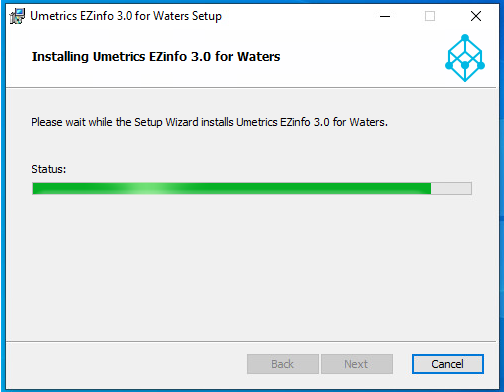
Wait for the installer to run.
-
Click Finish.

-
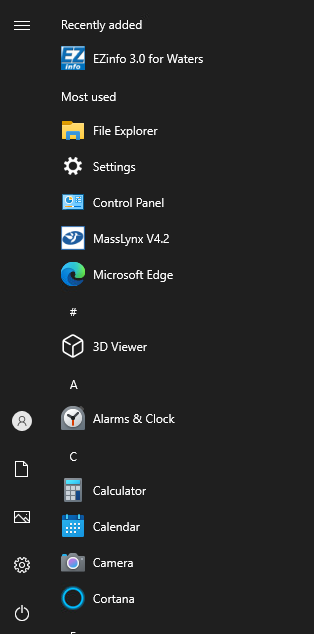
You can access EZinfo from the startup menu or from within waters_connect or Progenesis QI (depending on what else is installed on the PC).
ADDITIONAL INFORMATION