


How to filter unprocessed channels in Empower - WKB46221
Article number: 46221
OBJECTIVE or GOAL
Find unprocessed data in Empower channels.
ENVIRONMENT
- Empower
PROCEDURE
- Open the project and turn to "Channels".
- Click the "Edit View" button to open a view filter editor.
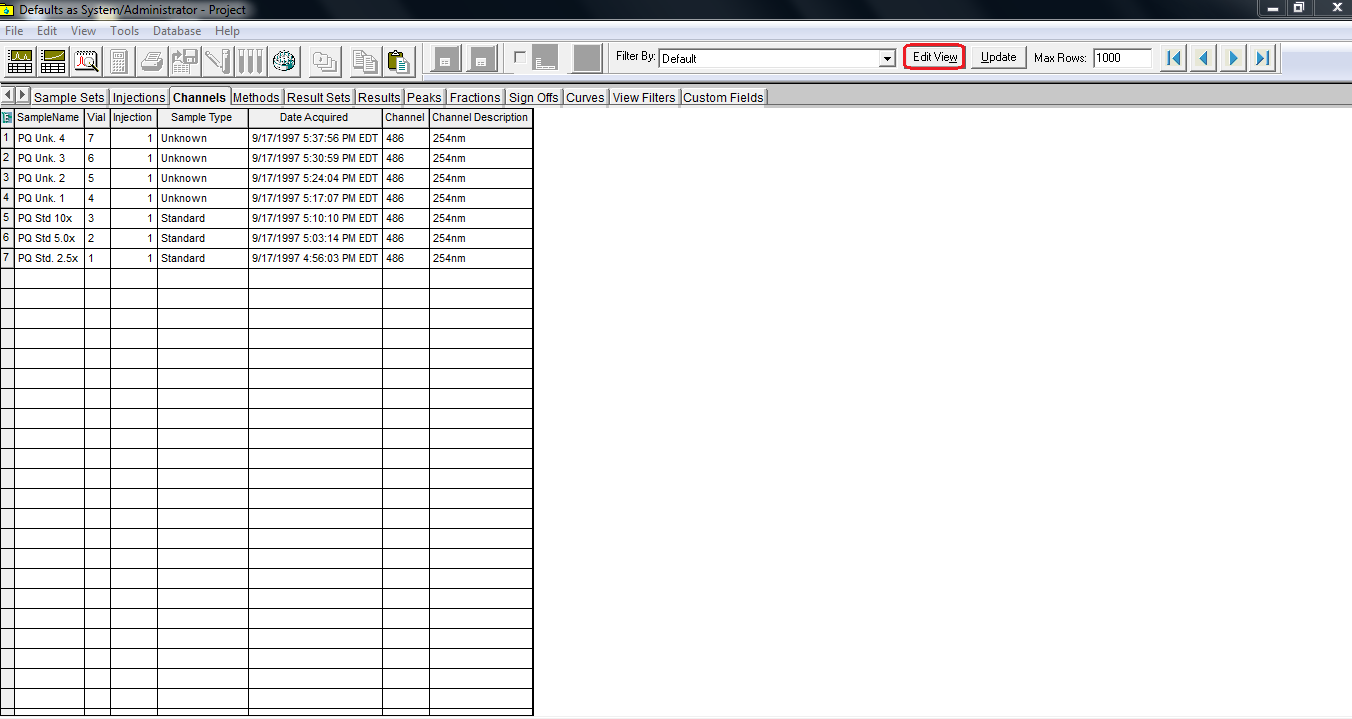
- Find "# of Results Stored" among the Field Names and double-click it.

- Select "File" and then "Save as" and name the current view filter.
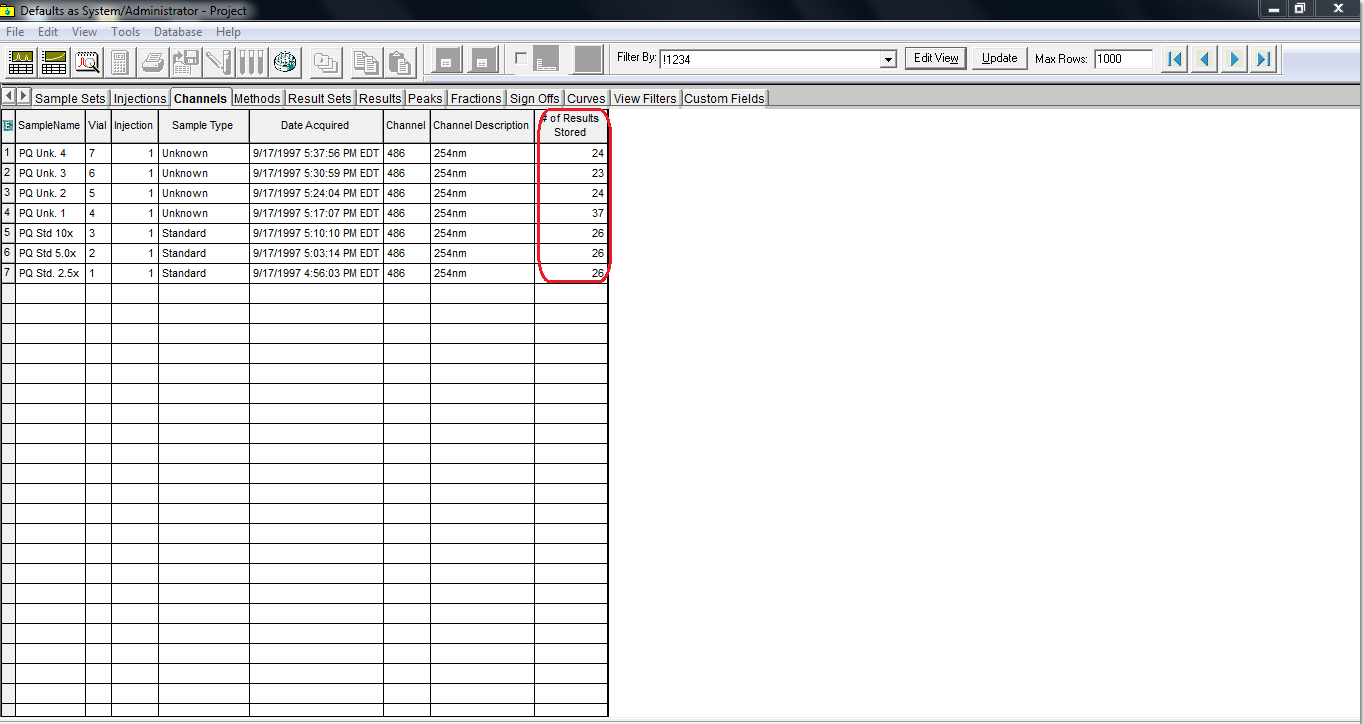
- Select the new filter from the "Filter By" drop-down list.
- If a channel's "# of Results Stored" is 0, it is a unprocessed one.
ADDITIONAL INFORMATION